

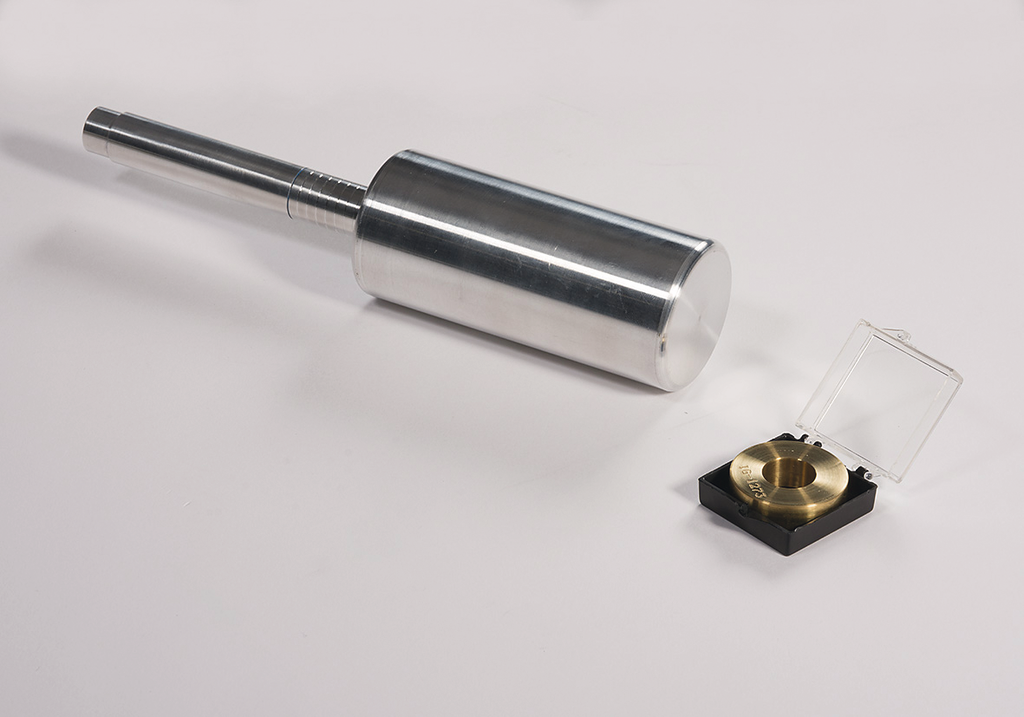
Accessories for Heavy-Duty Impact Tester SPI
Alignment Tool, for 5513
1. Remove the drop tube, drop hammer, and any punch.
2. Leave the standard die in the anvil.
3. Put the calibration tool into the instrument in place of the drop tube.
4. The tool should drop into the standard die after going through the punch holder.
5. If the tool does not go through the punch holder, loosen the punch holder clamp and adjust it until the tool drops through, then tighten the clamp.
6. If the tool does not go into the die, loosen the anvil, (screws are under the instrument mounting plate) align the anvil, then tighten the screws.
7. Now the tool should be able to be easily inserted and removed ensuring that everything is in alignment.
Select your Model
Enter a value between 1 and 100000000 in increments of 1.
excl. taxes & shipping cost

ASTM G14 Accessory Kit for 5513
Article No: 5519

Anvil Kit
Article No: 5517

Sample Platform, for 5513
Article No: 5516

Die Adapter, 1.25 in Inner Dia. for 5513
Article No: 5515

Anvil, 3.0 in Inner Dia. for 5513
Article No: 5514

Base, for 5513
Article No: 1275

Stop Position Clamp, for 5513
Article No: 1274

GuideTube, for 5513
Article No: 1266

Arm for 5513
Article No: 1271

Falling Weight 8 lbs, for 5513
Article No: 1260

Base Plate, for 5513
Article No: 1269

Ball Punch 0.5 in, for 1120/5513/5545
Article No: 1220
